Skip to content
Okashic

Okashic

Your personal context platform

Request an invite

Okashic keeps your logins and personal data in a vault only you can read. Connect a service once and your agent can use it. A broker on your device applies the credential and hands back only the result.

Centralize your personal context.

Bringing your context together in a secure vault enables personal assistants to operate on your behalf.

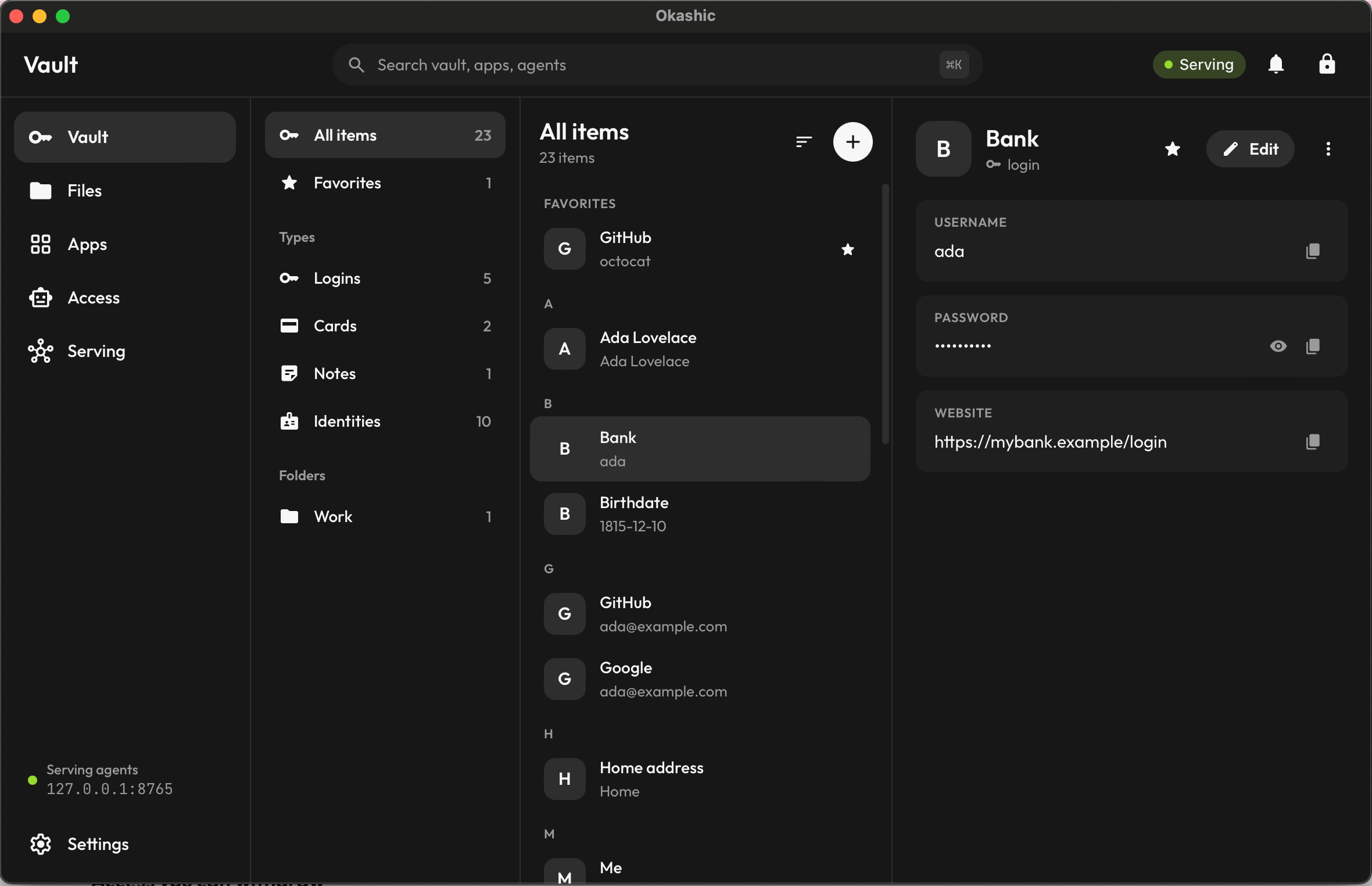
  • Encrypted End to end. Keys are derived and unlocked on your devices. Our servers hold ciphertext they can't read.
  • Local A full copy on each device. Search runs on the device, so we never see what you look for.
  • Moving Import from your current password manager instead of retyping.
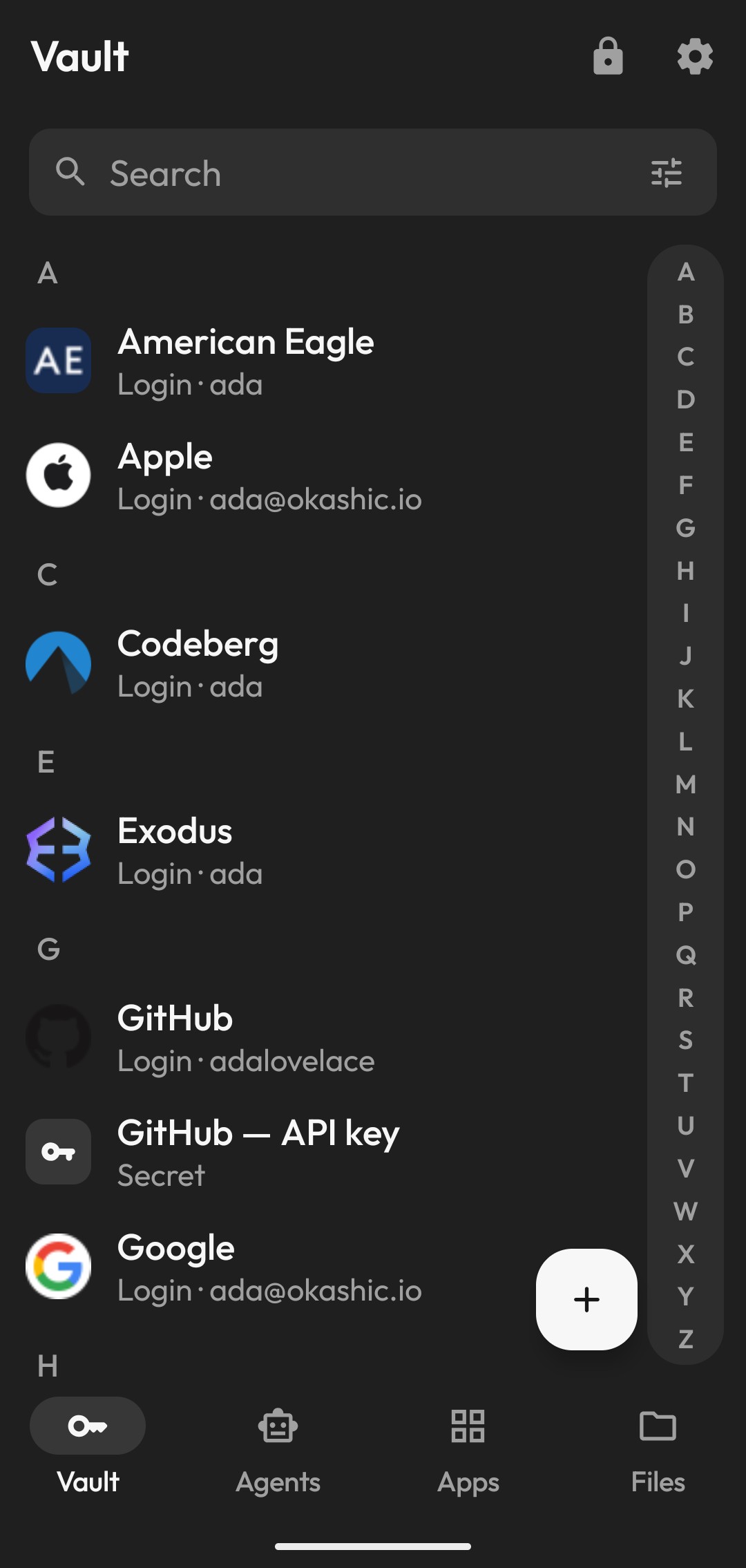
The Okashic vault on Android: logins, cards, and personal data in one place.

Let your agents act safely, without your secrets.

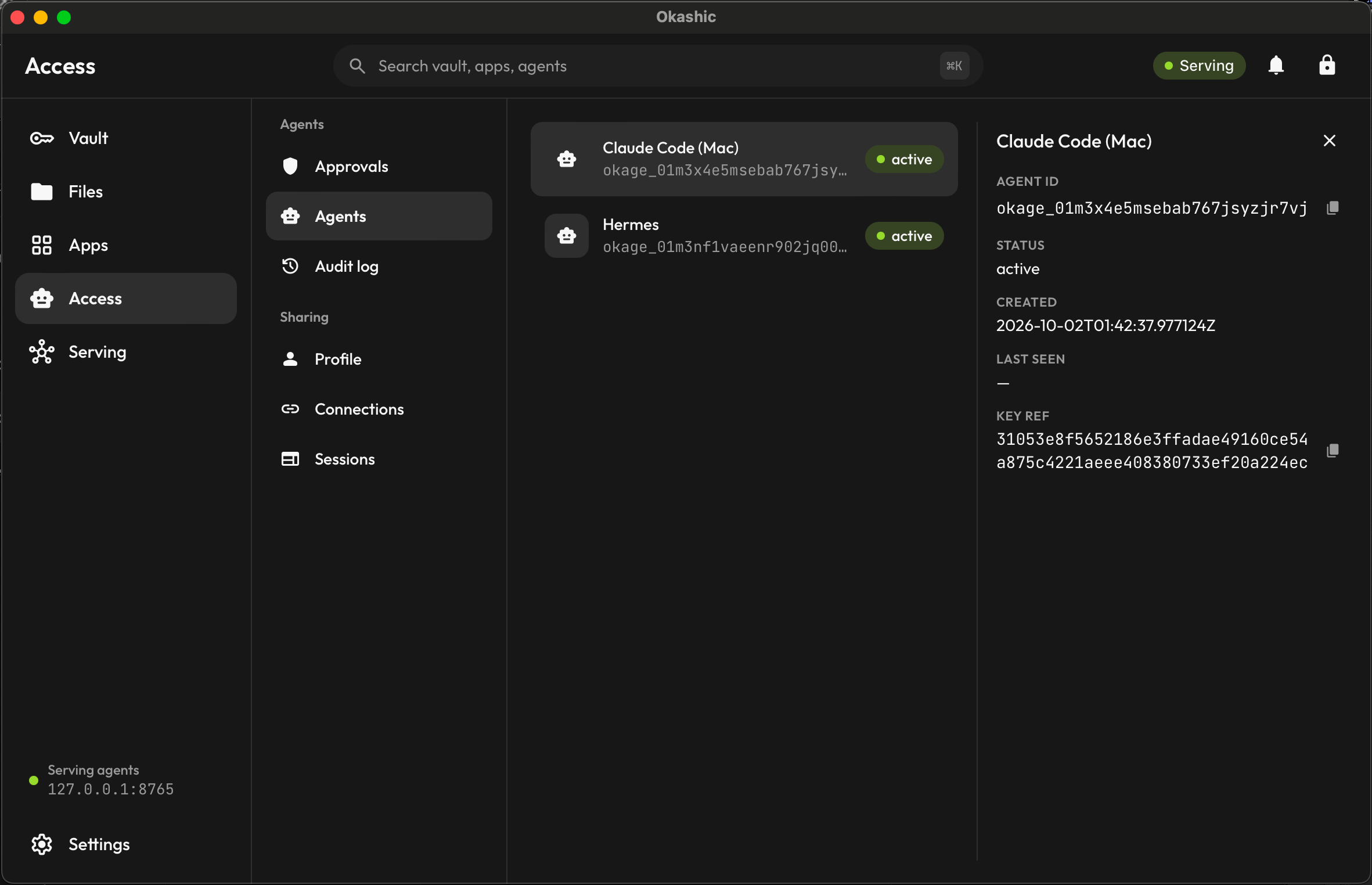
You connect a service once in Okashic, never in a chat. Your agent can use it from then on, and you choose which of your agents may use each connection. The broker on your device applies the credential and hands back the result. Your agent never sees the password.

Three kinds of connection

Session A website you sign in to. The broker logs in for your agent.
API A service with OAuth or a token, like Google or GitHub. Responses are filtered to the fields the task needs.
Custom Any other API, if you want to set one up yourself.

A personal assistant that actually works.

Okashic turns the agent you already use, like Claude or Hermes, into an assistant you can rely on. It gets your context, safe access, and the tools that keep it consistent. You don't have to set any of it up by hand.

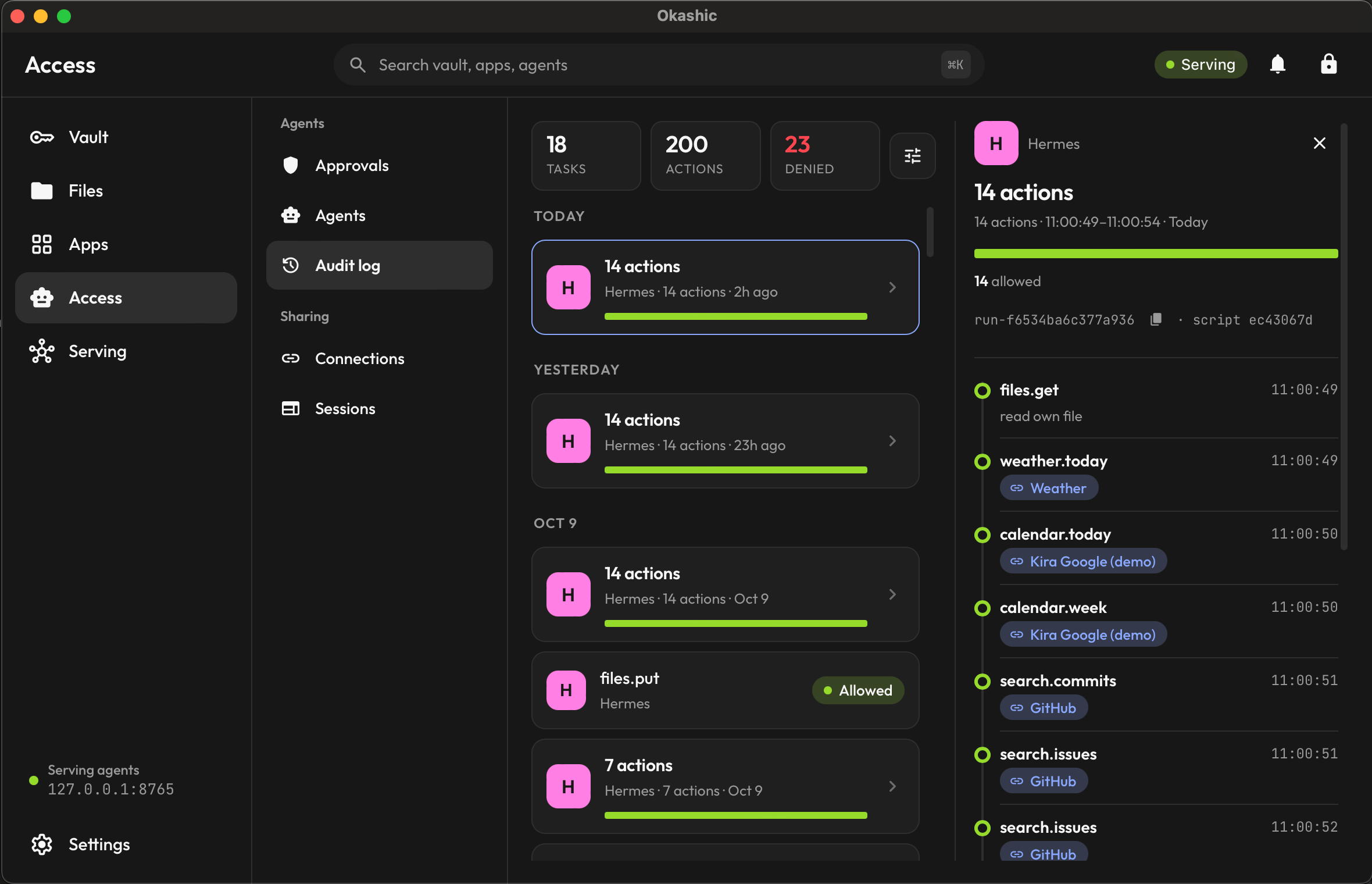
A daily brief is one example. A weekly report, a routine errand on a site you've connected, a list you and your agent keep together: each one runs from your context, through your connections, and lands in your audit log.

  • Memory A wiki your agent reads and keeps current, so it doesn't start from nothing each time.
  • Scripts Repeat jobs run the same way every time, and every run is audited.
  • Skills Instructions that teach your agent to work through Okashic correctly.
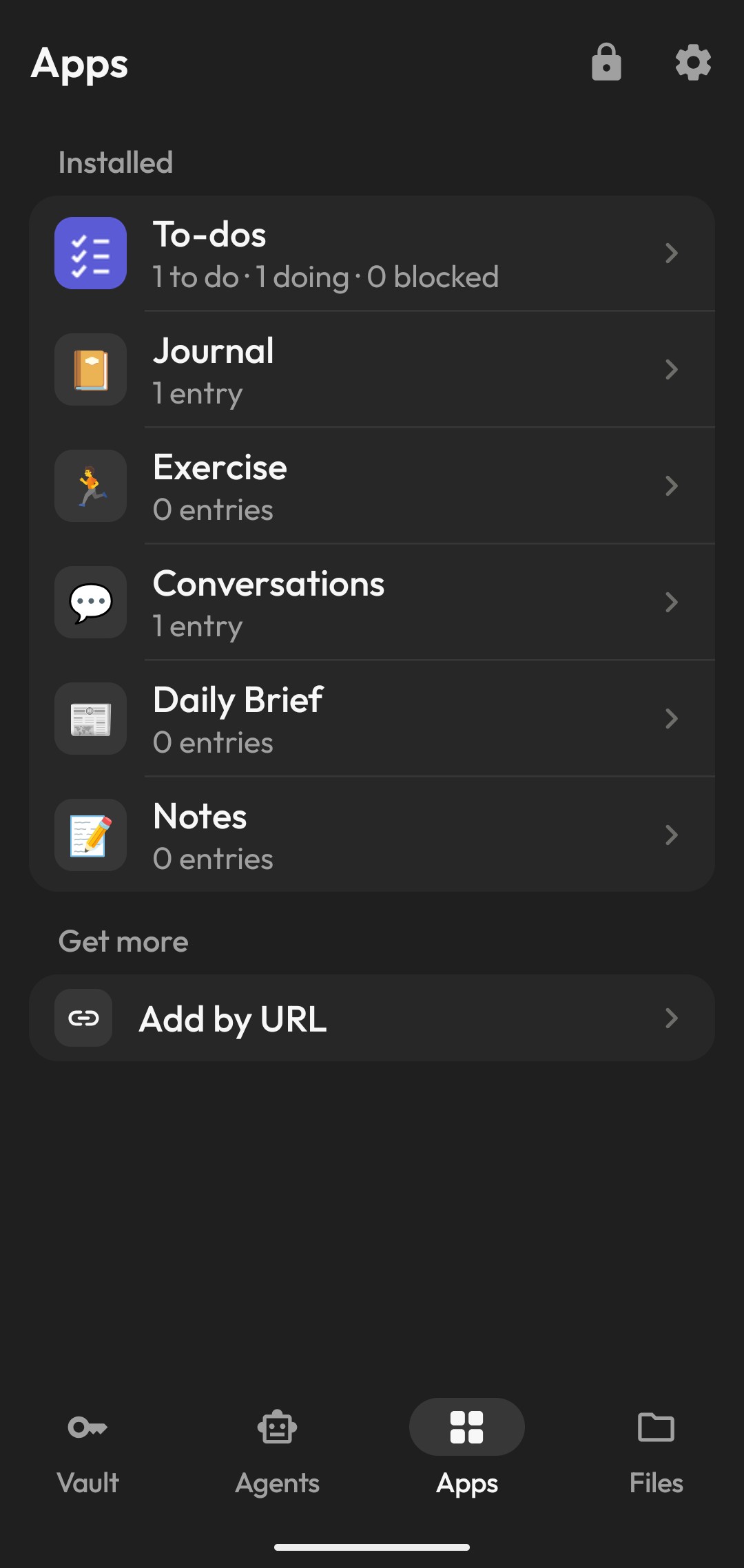
  • Apps Shared cards, like a to-do list, that you and your agent both read and write.
The Okashic apps on Android: shared cards you and your agent both read and write.

Everything you expect from a password manager.

Okashic does the everyday things, plus.

Logins and autofill
Fill your logins as you sign in, and save new ones as you make them.
One-time codes
Your 2FA codes sit with the login and generate on your device.
A generator
Strong passwords and memorable passphrases, made on your device.
Cards, notes, and identity
Payment cards, secure notes, addresses, and the rest of your details.
Bring your vault over
Import from 1Password or Bitwarden. Nothing retyped, nothing dropped.
In step on every device
Changes sync across your devices as ciphertext we can't read. Edit in two places at once and both are kept, never dropped.
Unlock with a fingerprint
Open your vault with biometrics instead of your full password each time.
A recovery kit
A one-time secret gets you back in if you forget your password. We never hold it.

How it works

The parts that hold your vault and your keys run on your devices, and they're open source — you can read exactly what runs, or build it yourself. Our cloud only ever holds ciphertext.

  1. On your devices

    Your vault

    Each device holds a full, encrypted copy. Your primary password unlocks it, and the key never leaves the device.

  2. On your devices

    The broker

    Your agent talks to it over MCP. It applies the credential, filters API responses down to what the task needs, and writes each action to an audit log on your device.

  3. On our servers

    The cloud

    Syncs and backs up your vault as ciphertext. It can't read any of it.

End-to-end encryption
A breach of our cloud exposes scrambled bytes, not your passwords or identity.
Secure secrets
Not in a response, an error, a log line, or the audit log.
Filtered responses
On API connections your agent receives only the fields the task needs.
An audit log on your device
Append-only, so you can always see what was accessed, by which agent, and when.
Access you can withdraw
Revoke an agent or remove a connection at any time. It takes effect immediately.
Open source
The apps and the core that encrypts your vault are open source. Read what runs on your device, or build it yourself.
Read our security approach →
audit log · this device hermes · connected
time agent action result
07:00:02 hermes calendar.today · google ok
07:00:03 hermes weather.forecast ok
07:00:05 hermes wiki.write · daily-brief.md ok
09:14:41 you remove connection · github ok
The secret never appears in the log.

We run an adversarial review on every security-relevant change.

Request an invite.

Okashic is in private beta. It runs on Android and macOS, with a headless Linux broker for agents that run on servers.

We only use your email to send the invite.